
In today’s fast-paced digital world, staying on top of your email communication is more important than ever. One of the best ways to ensure you never miss an important message is by activating Push Notifications for your email accounts. Aqua Mail offers this feature for both iOS and Android, making it easier than ever to stay connected and informed.
Real-Time Alerts for Real-Time Action
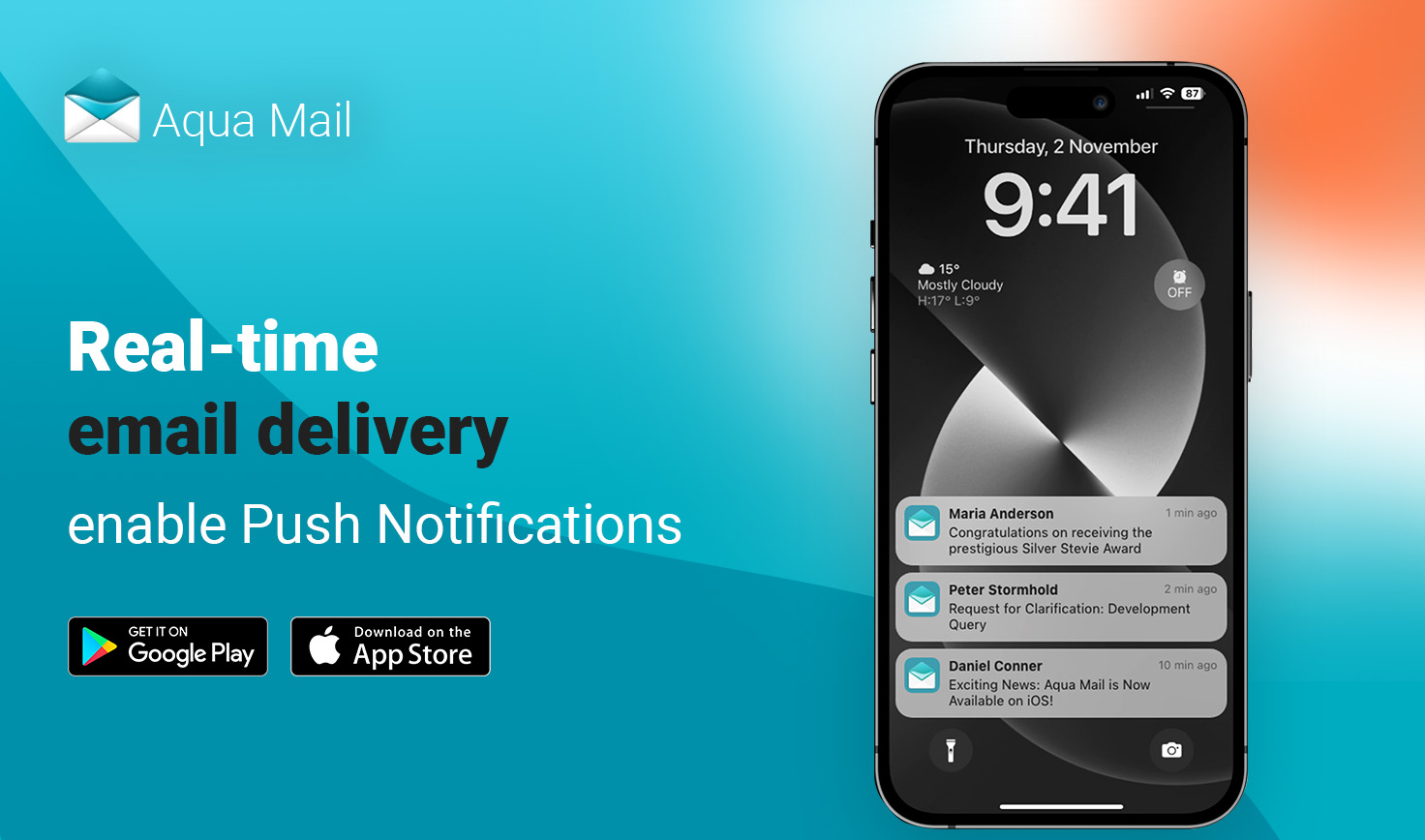
Push Notifications provide an instantaneous way to receive alerts for new messages. Unlike manual email checks, which require you to actively open your inbox, Push Notifications deliver real-time updates directly to your device. This means you can stay informed without constantly checking your email app, allowing you to respond promptly to important messages or clear out less critical ones.
How to Activate Push Notifications
Activating Push Notifications in Aqua Mail is a simple process. On both Android and iOS, navigate to your Aqua Mail app settings, go to "Manage account," and find the Push Notifications option. Once enabled, you'll start receiving instant alerts for new emails. Make sure to allow notifications for Aqua Mail on your device to ensure you never miss a crucial message again.
You can also choose between Push and Fetch email delivery in Aqua Mail settings. With Fetch, the app will periodically check for new emails at set intervals. This means you’ll receive updates based on scheduled checks, but not in real-time. You can control the Fetch interval in your device’s settings.
Push Mail for Android
Push Mail is available for Aqua Mail on Android, providing seamless, real-time email delivery for all your accounts. Whether you’re using a Gmail, Yahoo, or any other OAuth-supported account, you can activate Push for immediate updates, ensuring you never miss an important email again.
Push for Exchange (Premium Feature)
For Aqua Mail users on Android, we also offer Push for Exchange as a Premium feature. This allows you to receive real-time notifications for Microsoft Exchange accounts, providing the same immediate updates you get with other accounts. Soon, this feature will be introduced to Aqua Mail for iOS, expanding the real-time email experience across both platforms.
Push Mail Customization for Aqua Mail on Android
Aqua Mail allows for advanced customization of Push mail with three options:
- For the entire app
- For a specific account
- For specific folders
You can configure Push mail directly in the app settings. If you need more detailed instructions, feel free to visit our help center for guidance.
Benefits of Push Notifications
- Instant Awareness: Receive alerts the moment a new email arrives, keeping you informed without delay.
- Efficient Communication: Respond promptly to time-sensitive emails, improving your overall communication efficiency.
- Convenience at Your Fingertips: Enjoy real-time updates without the need for constant manual checks.
Activating Push Notifications for your OAuth-supported email accounts is a simple yet powerful way to streamline your communication. With real-time updates, you can stay informed, respond quickly, and improve your overall email experience.